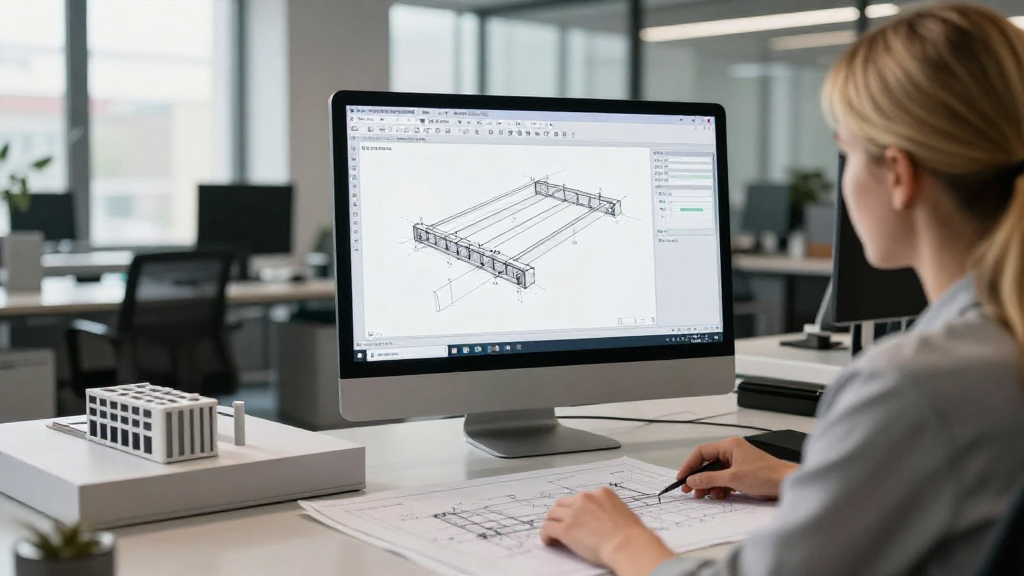
Beam detailing in ETABS is a crucial phase in structural engineering that ensures the beams of a structure are designed accurately to withstand loads and comply with safety standards.
In this article, we’ll explore the essential steps and best practices involved in beam detailing in ETABS to make your designs both effective and efficient.
What is Beam Detailing in ETABS?
Beam detailing in ETABS refers to creating precise and comprehensive drawings and specifications that outline the dimensions, materials, and reinforcement details of structural beams in a project. This process is important for ensuring that beams can support the loads they will encounter throughout their lifespan.
ETABS, which is an acronym for Extended Three-Dimensional Analysis of Building Systems, is an advanced software used for designing and analyzing buildings. The software allows engineers to model structures accurately and create detailed drawings, making it a valuable tool for beam detailing.
Why is Beam Detailing Important?
Beam detailing is fundamental for several reasons:
- Structural Integrity: Ensures that beams can carry loads without failure.
- Compliance: Meets local building codes and regulations for safety.
- Clarity in Construction: Provides clear guidance for contractors during construction.
- Cost Efficiency: Helps to avoid costly errors during construction by providing precise details.
How to Start Beam Detailing in ETABS?
To effectively begin your beam detailing in ETABS, follow these steps:
1. Set Up Your ETABS Model
- Open ETABS: Launch the software and select “New Model” to start.
- Create a Grid: Establish a grid system that represents the layout of your structure.
- Define Story Levels: Set the different floor levels of your building to facilitate vertical loading calculations.
2. Input Structural Parameters
- Define Materials: Specify the materials you will use, including concrete, steel reinforcement, etc.
- Set Cross-Section: Choose appropriate beam cross-section dimensions and types based on your design requirements.
- Load Combinations: Input relevant load combinations that your beams will need to support for accurate analysis.
3. Model Beams in the Structure
- Draw the Beams: Using the drawing tools, create beams within the defined grid.
- Assign Properties: Assign the previously defined materials and cross-sections to each beam.
- Guyneath the beams with supports: Ensure proper supports (fixed, pinned, or roller) are assigned to enhance the structure’s stability.
How to Analyze Your Beam Design?
Once you have detailed your beams in ETABS, you should proceed to analyze them to evaluate their performance.
1. Run the Analysis
- Go to the Analyze menu and select “Run Analysis”.
- Ensure that your load combinations are correctly set for optimal results.
- Review analysis settings to confirm stability and accuracy.
2. Check Results
- Access the “Results” section to examine the output of your analysis.
- Look for critical information such as:
- Maximum bending moments
- Shear forces
- Deflections
- Use this data to determine if adjustments in beam sizing or reinforcements are necessary.
How to Detail Your Beams?
Beam detailing in ETABS culminates in producing detailed drawings. To ensure an effective detailing process, follow these steps:
1. Create Beam Detailing Drawings
- Use the ETABS drawing tools to generate construction drawings.
- Ensure clear annotation of dimensions, materials, and reinforcement types.
2. Add Reinforcement Details
- Specify the type (e.g., Tension, Compression) and size of reinforcement bars in your drawings.
- Indicate the spacing, cover, and locations for placing these reinforcements.
3. Review Your Drawings
- Conduct a thorough review of your detailing drawings.
- Ensure that all critical components are included and accurately annotated.
What Common Mistakes to Avoid in Beam Detailing in ETABS?
While detailing beams, being aware of common pitfalls can help improve your accuracy:
- Inadequate Reinforcement: Not providing enough reinforcement can lead to failures.
- Improper Load Assignments: Miscalculating loads can result in insufficient beam sizing.
- Ignoring Construction Tolerances: Not accounting for tolerances can cause issues during physical construction.
- Outdated Codes: Always check that your detailing complies with the latest building codes and standards.
How to Optimize Beam Design in ETABS?
Optimization is key in beam detailing in ETABS. Here are some strategies for efficient beam design:
1. Perform Iterative Analysis
- After making changes to your beam sizes or spacing, run the analysis iteratively to find the optimal configuration.
2. Use Automatic Design Tools
- Utilize ETABS’ built-in design tools to automatically size beams based on specified criteria and code requirements.
3. Consider Load Redistribution
- Investigate alternative load paths to reduce beam sizes where possible, enhancing material efficiency.
Conclusion: Mastering Beam Detailing in ETABS
Beam detailing in ETABS is a complex but essential process that plays a vital role in ensuring the safety and efficiency of structural designs. By following the outlined steps, utilizing the built-in features of ETABS, and avoiding common mistakes, you can achieve accurate and effective beam details.
Consistent practice and familiarity with the software will enhance your skills in beam detailing and contribute to the successful completion of your projects. Whether you are a novice or an experienced engineer, mastering beam detailing in ETABS is a significant step in your professional development.
By incorporating these techniques and strategies, you will not only improve your designs but also promote safer building practices in your projects.
Remember to continuously seek updates regarding building codes and best practices, as the field of structural engineering is always evolving. Happy detailing!